 Yakitsuke
 Press kit
In one sentence
Yakitsuke is a Mac app that sends your Fujifilm RAF files back to the camera over USB, so the camera’s own image processor develops them with its real film simulations.
About Yakitsuke
Fujifilm cameras can develop their own RAW files, but only one at a time in the camera’s menu or with FUJIFILM X RAW STUDIO. Yakitsuke is an independent Mac app that drives the camera’s converter from the desk: a recipe library, side-by-side comparison of looks, a batch queue that picks up where it stopped if the cable comes loose, and reading and writing the camera’s C1–C7 custom settings.
Because the camera does the developing, the film simulations are the real ones, not presets or LUTs imitating them. Optionally, an AI app such as Claude can use Yakitsuke to try looks on the camera, write recipes and export whole folders.
The name is the Japanese darkroom word for making a print.
Fact sheet
| Name | Yakitsuke (焼付け) |
|---|---|
| Made by | Cheng-Hsien Han, independent developer |
| Platform | macOS 13 or later, Apple Silicon |
| Price | Free during the beta |
| Status | Public beta (release notes) |
| Languages | English, Traditional Chinese, Simplified Chinese, Japanese, Korean, German |
| Cameras | X-T4 supported. X-Pro3, X100V, X-S10, X-E4, X-T30 II and X100VI experimental (they develop photos, but haven’t been tested on those bodies yet). |
| Speed | On an X-T4, a preview takes about 0.5 s and a full-size file about 0.75 s. |
| Privacy | No account, no ads, no tracking. Photos go only to the camera, over the cable. |
| Website | yakitsuke.com |
| Download | updates.yakitsuke.com/download (DMG) |
| Contact | support@yakitsuke.com |
What it does
- Real film simulations: the camera’s own processor develops the RAF, using its settings for film simulation, grain, Color Chrome, white balance, tone, clarity and more.
- Recipe library: nine sample looks, recipes pasted as text, and FP1 files from FUJIFILM X RAW STUDIO.
- Side by side: develop the same photo several ways and compare before exporting.
- Batch queue: develop a whole roll in the background; it resumes if the cable comes loose.
- C1–C7: read the camera’s custom settings, write a recipe into a slot, and back up and restore all of them.
- AI agents (optional): connect an AI app such as Claude Desktop and describe the look you want. See real sessions.
Icon

The icon is a darkroom test strip. PNG, 1024 × 1024 · SVG
Photos
One RAF developed by an X-T4 once per film simulation, with no further editing. Each is 960 × 1440 px. Click a photo for the full file.
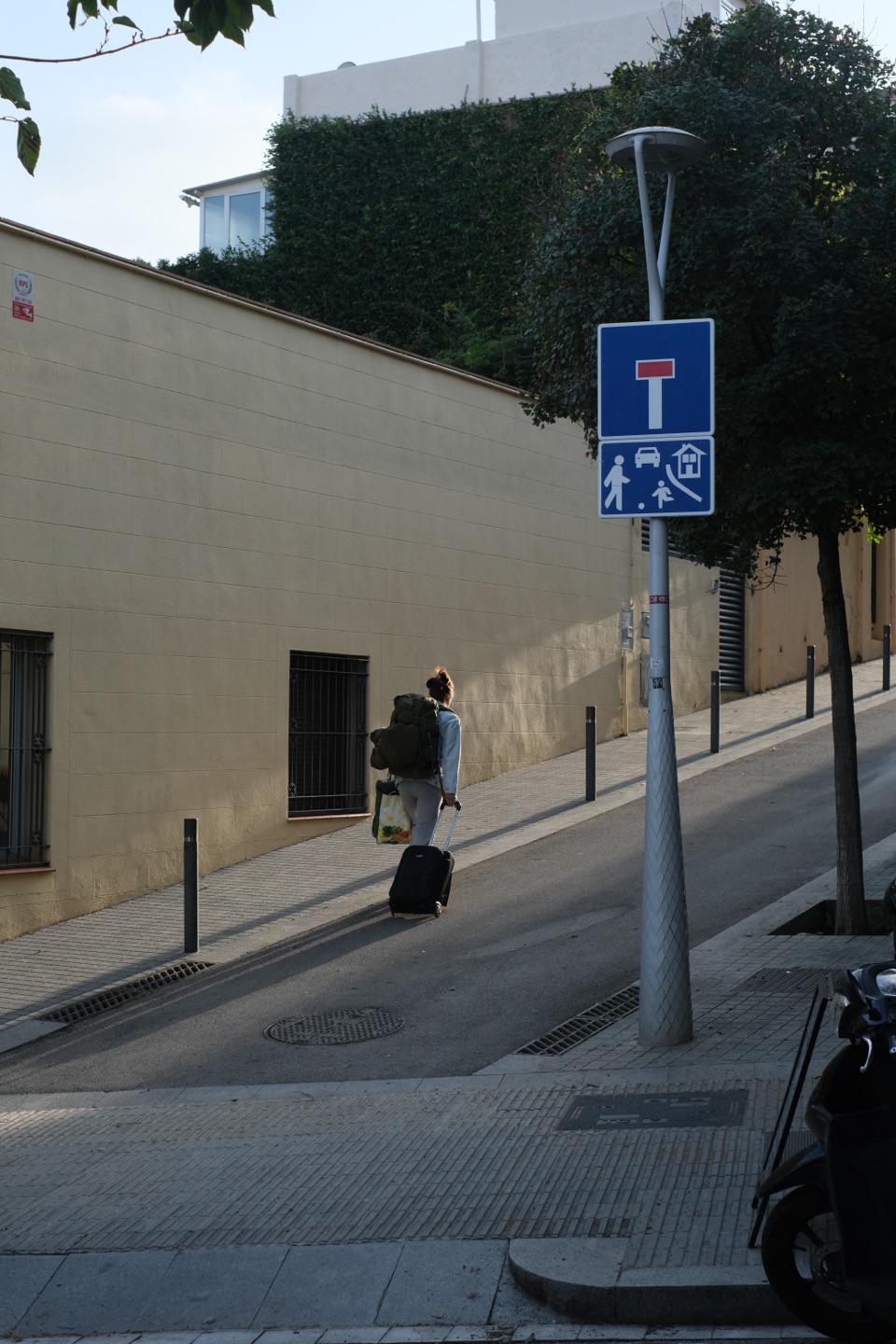 Provia
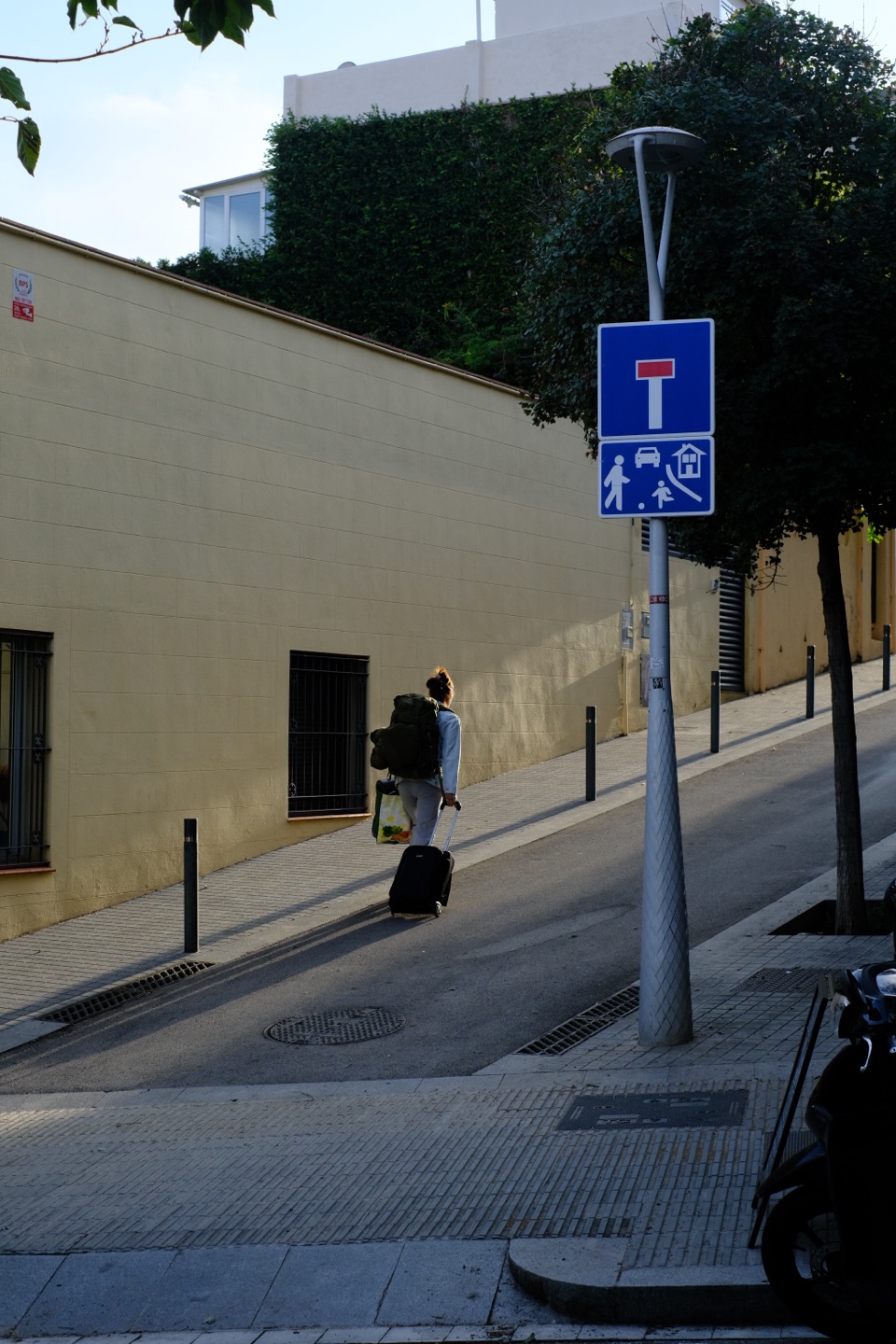 Velvia
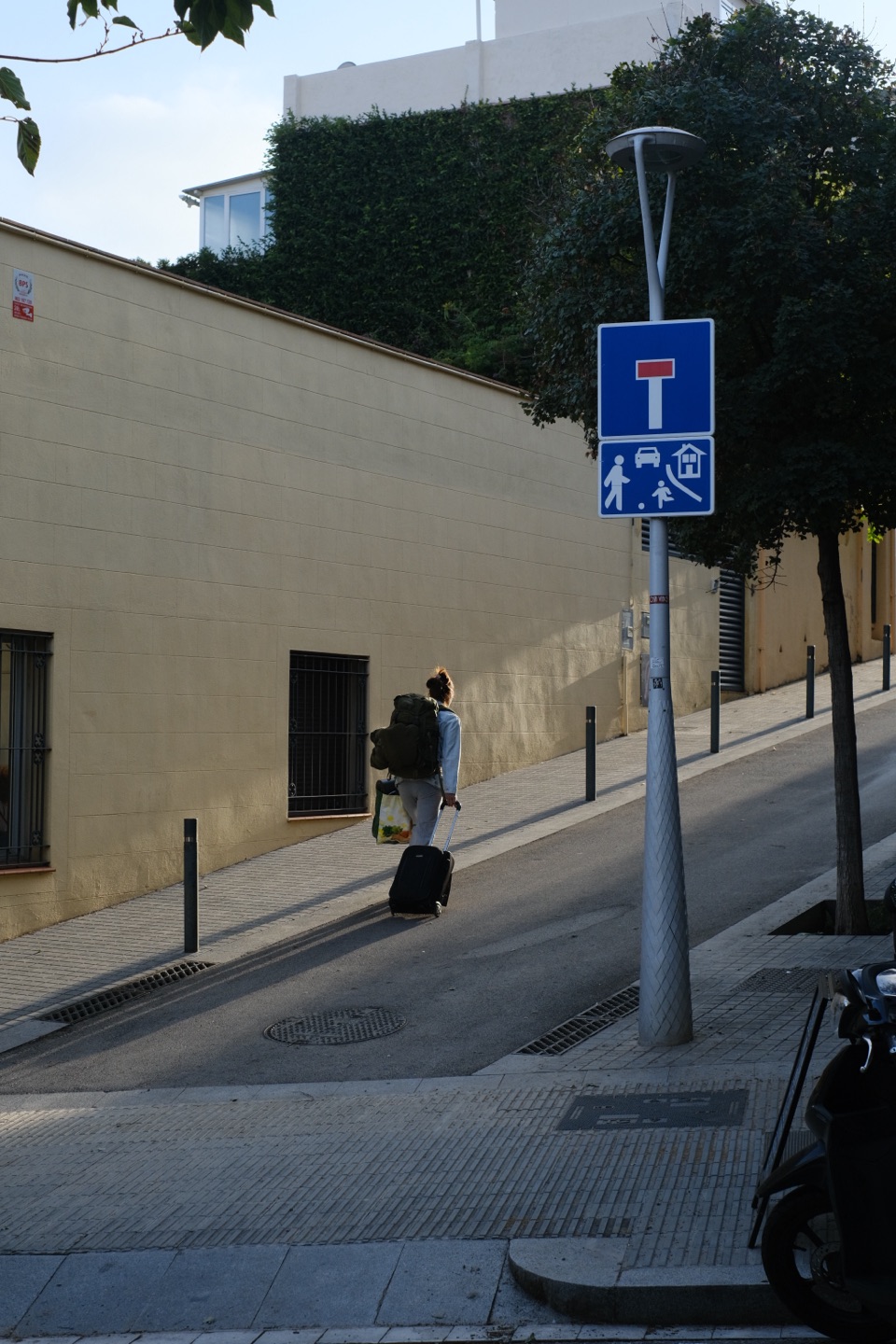 Astia
Astia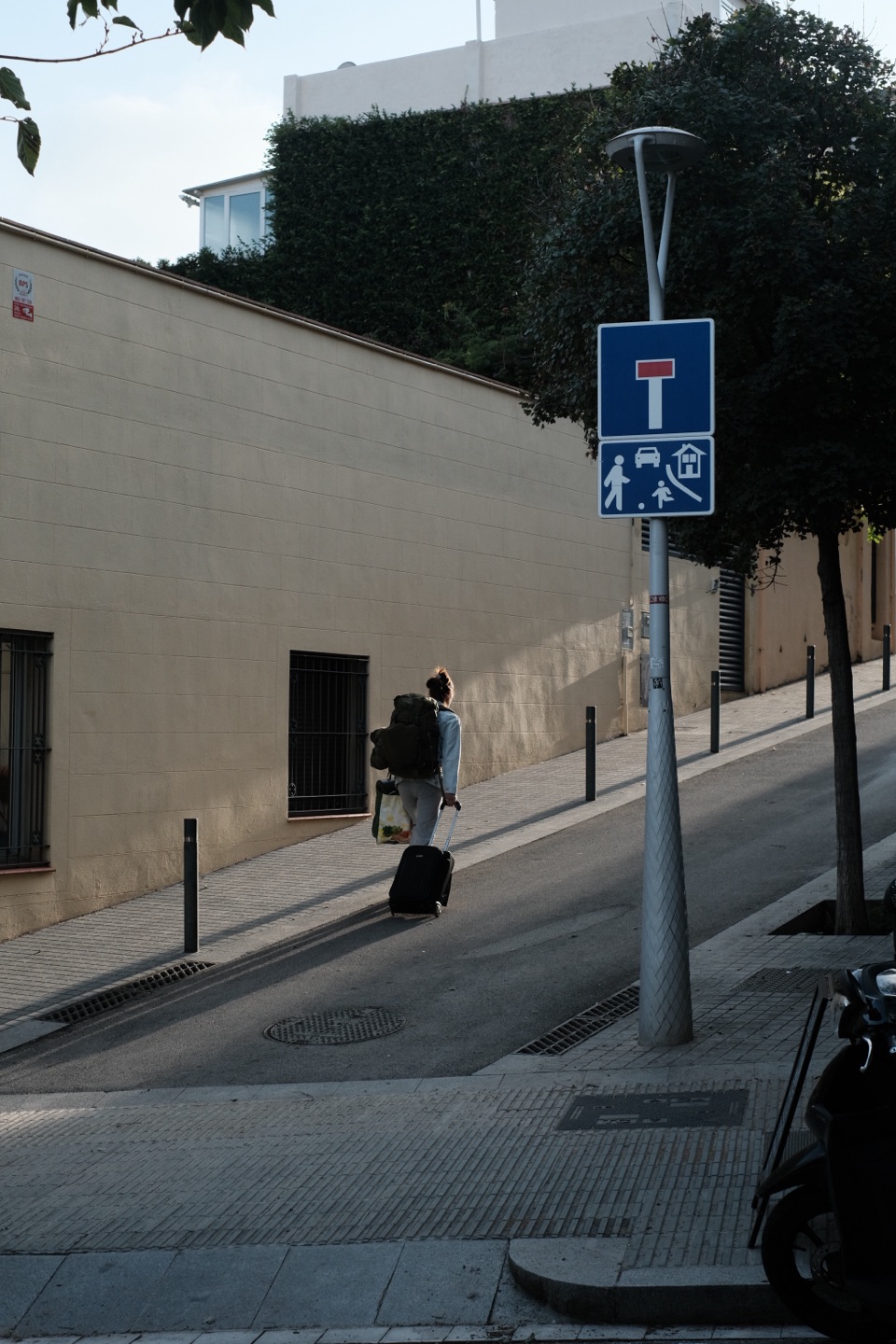 Classic Chrome
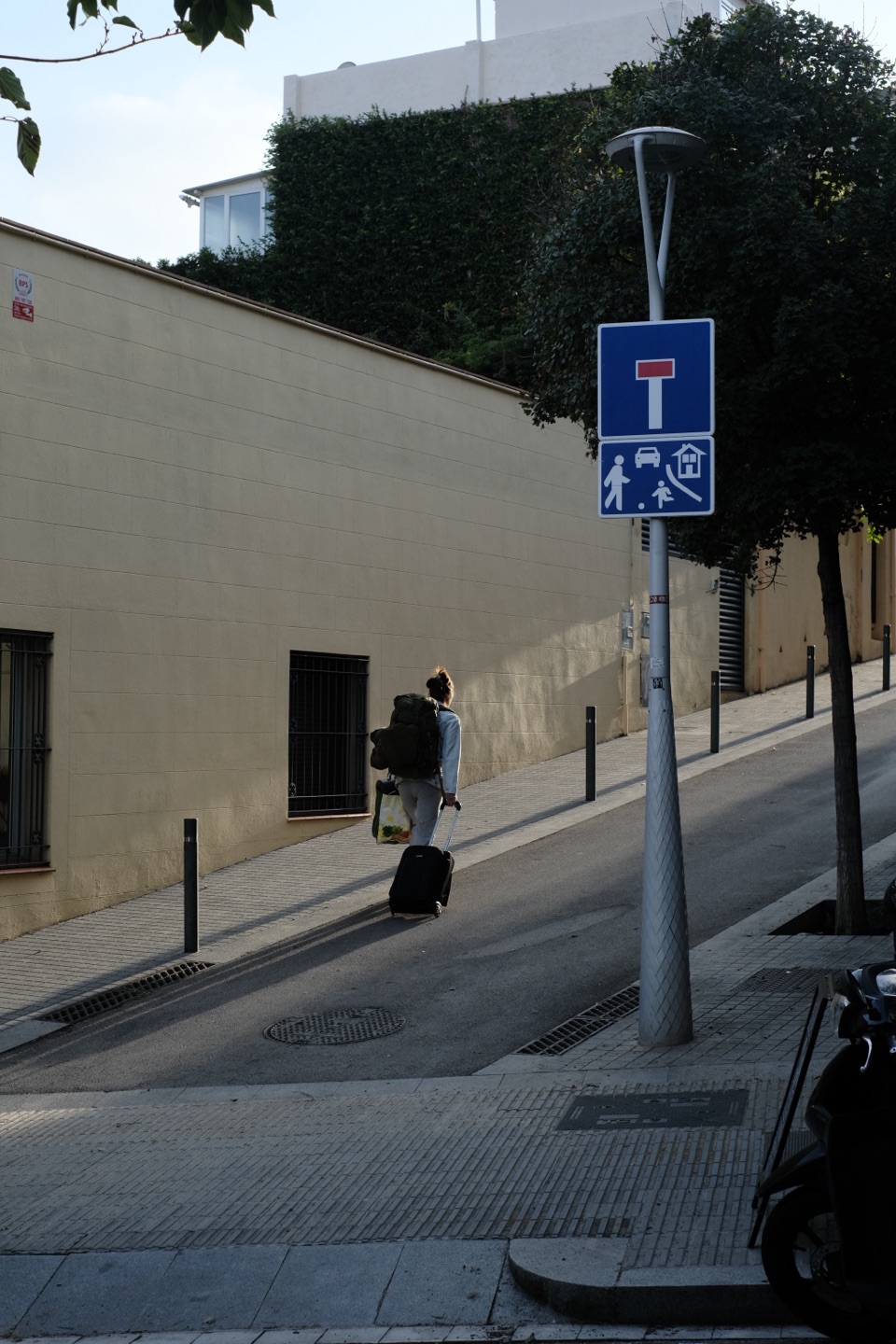 Pro Neg. Hi
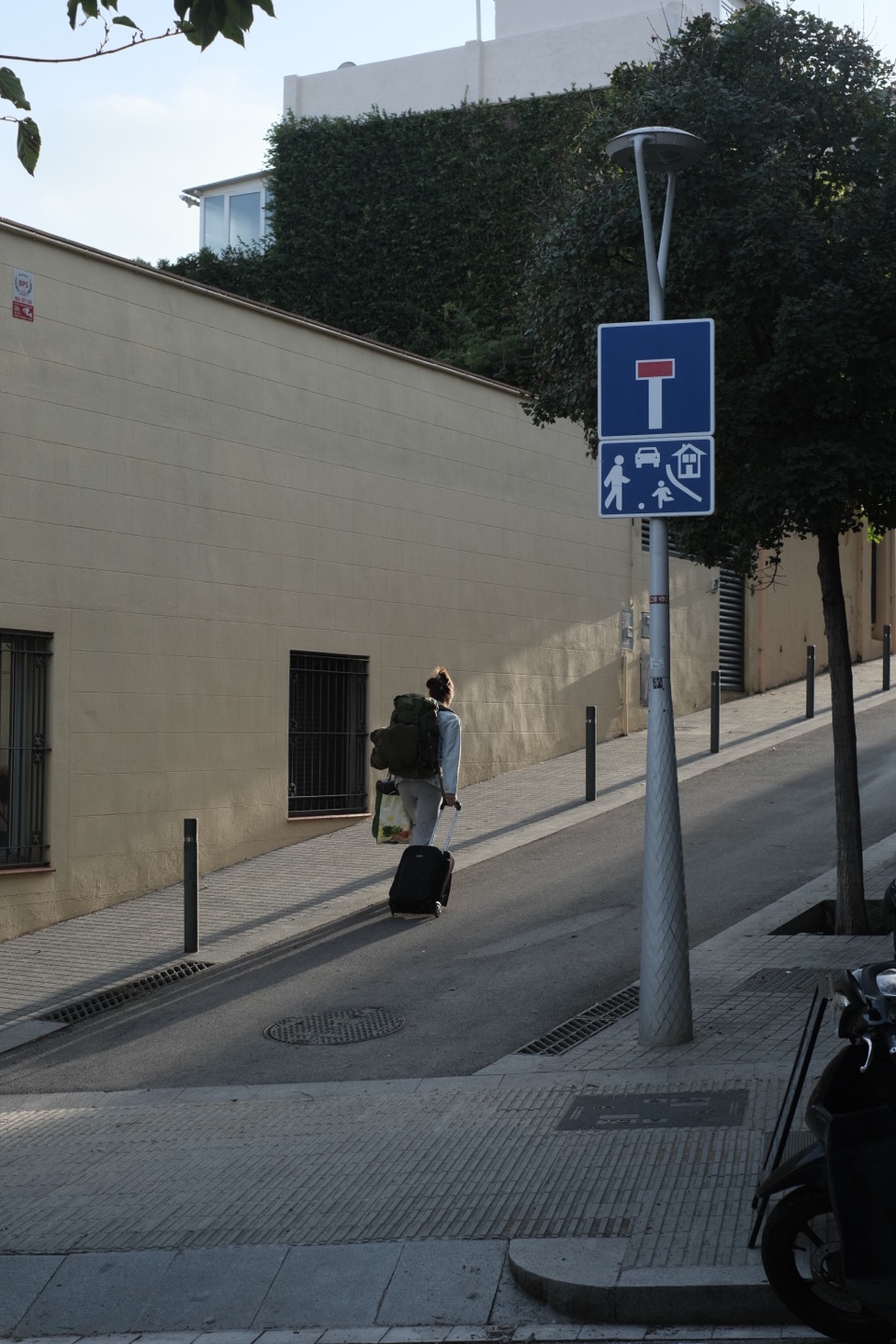 Pro Neg. Std
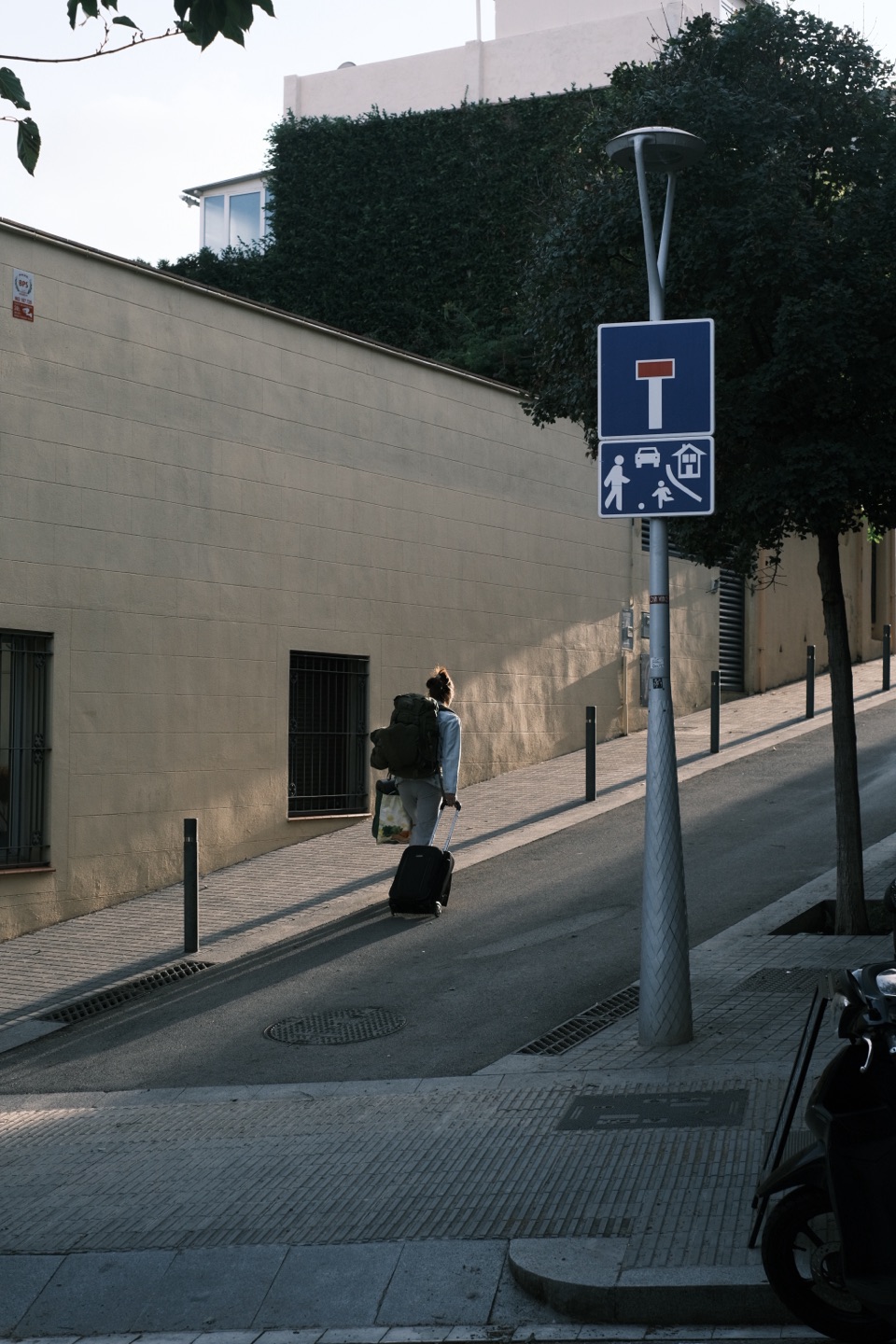 Classic Neg.
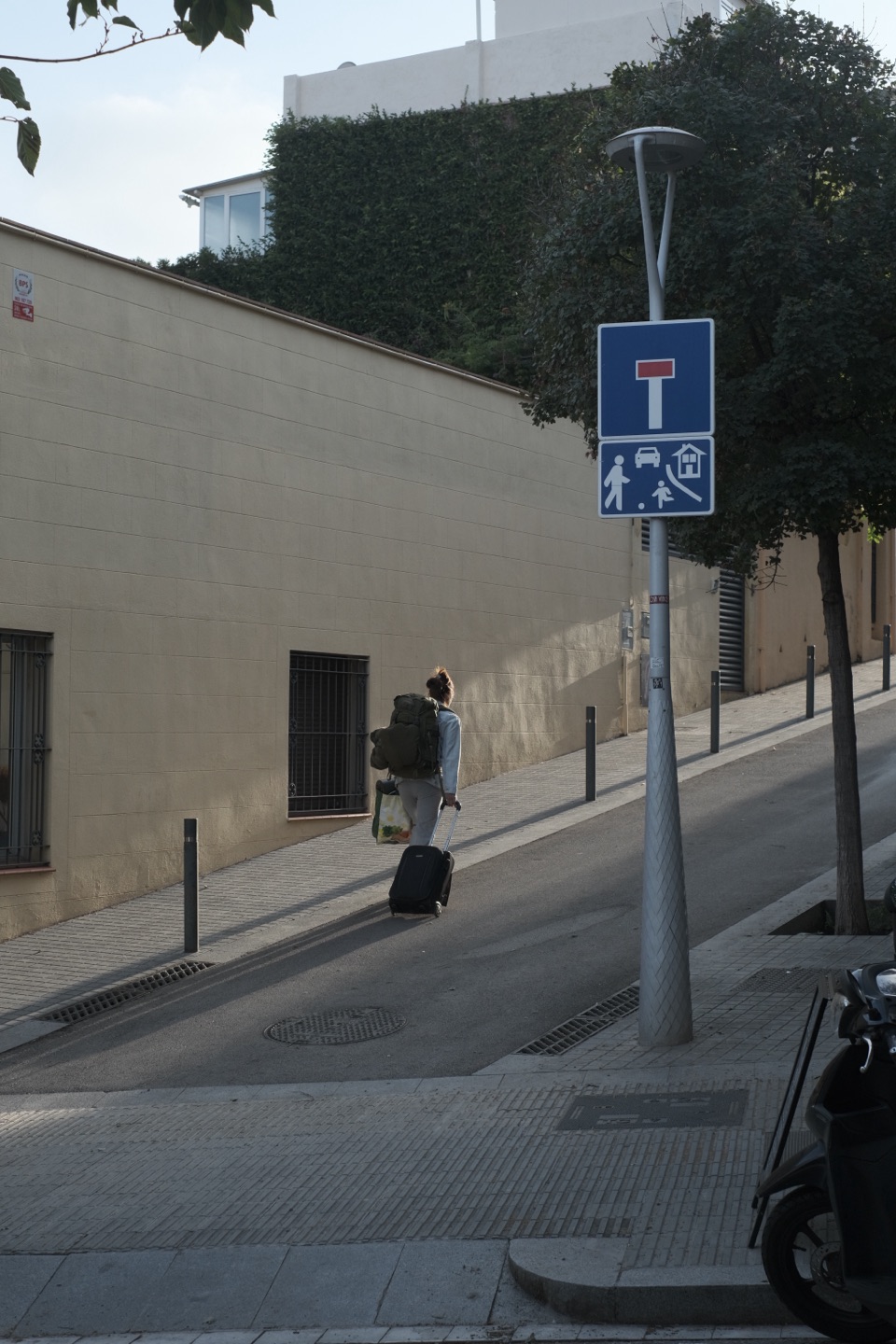 Eterna
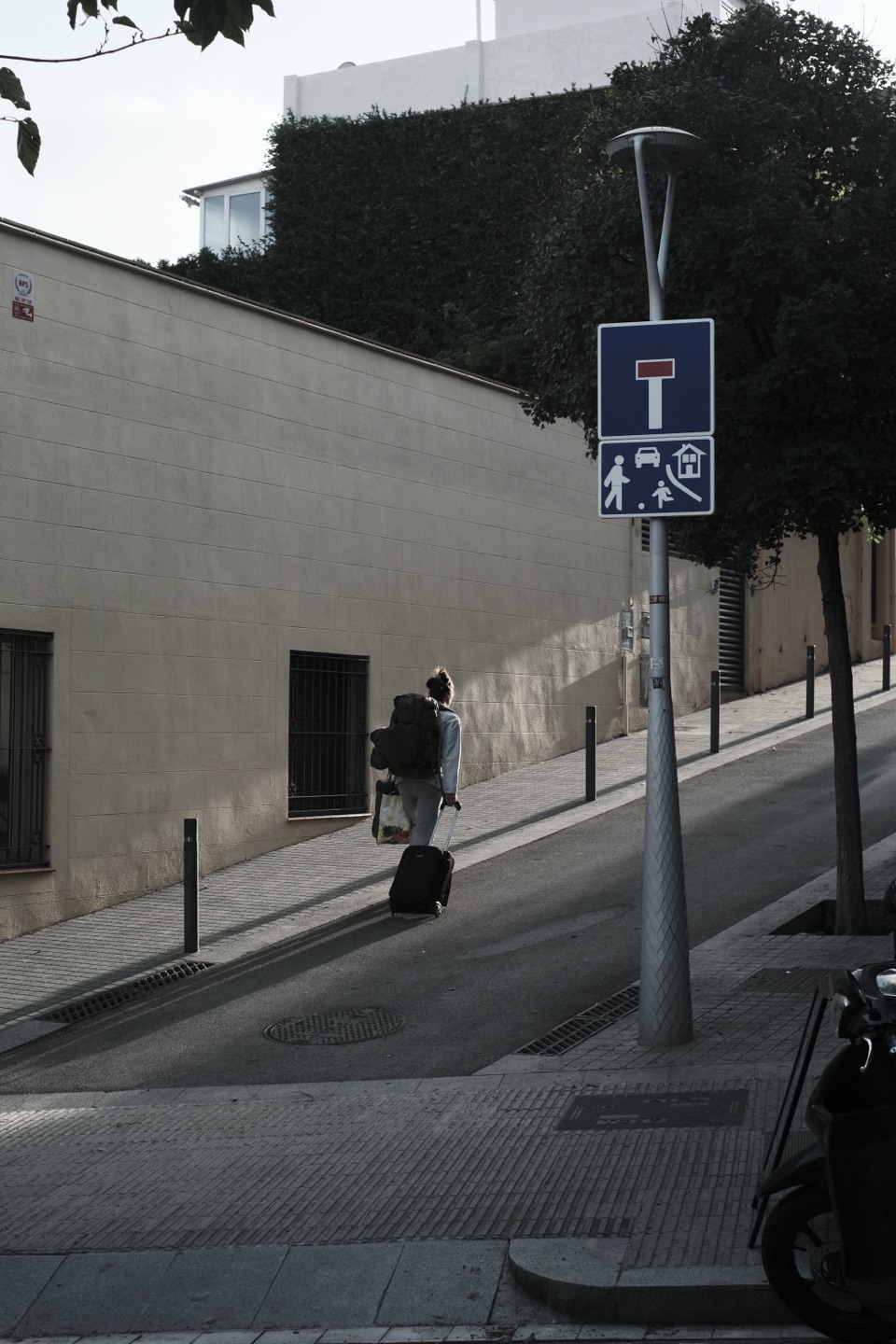 Eterna Bleach Bypass
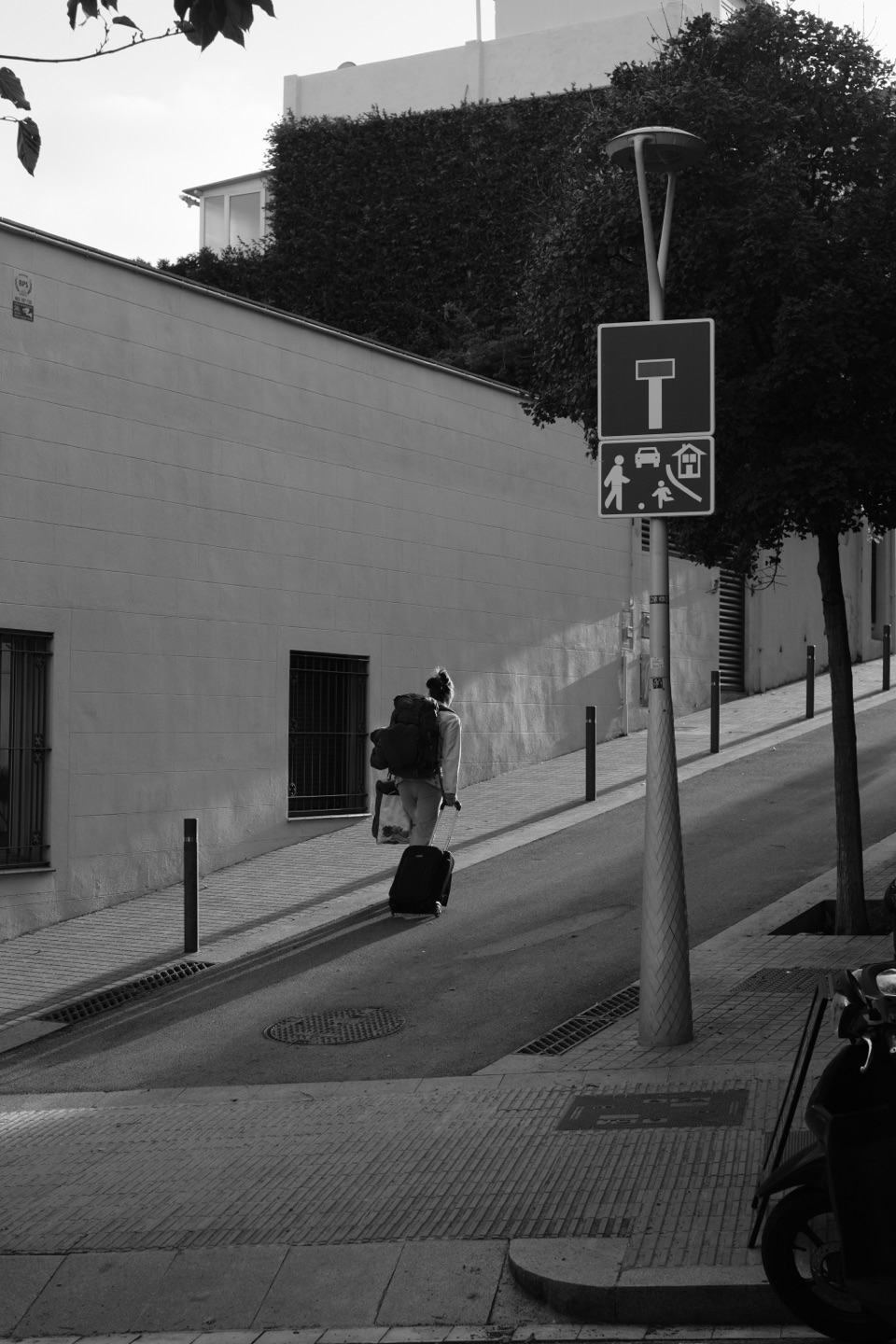 Acros
Acros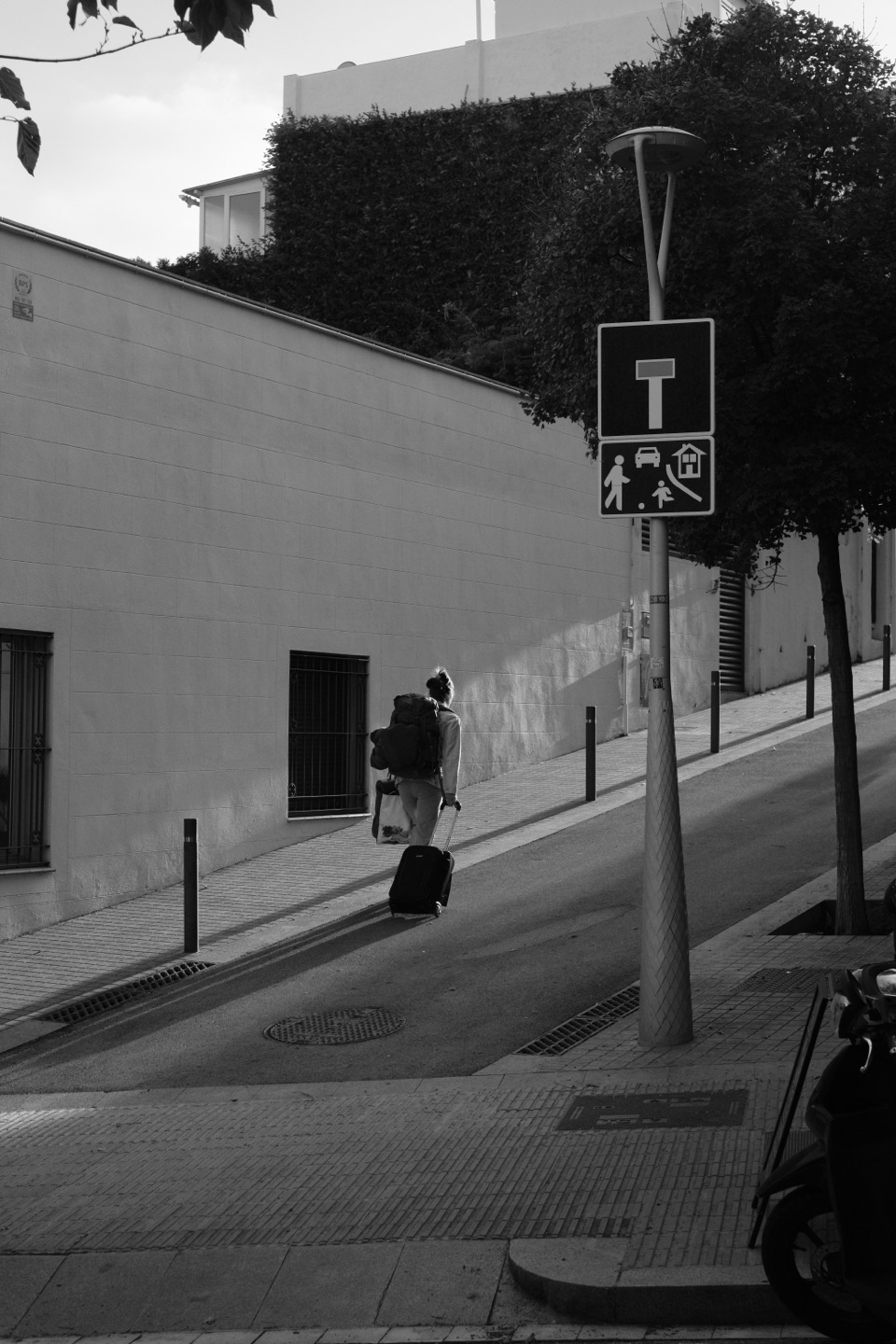 Acros + R
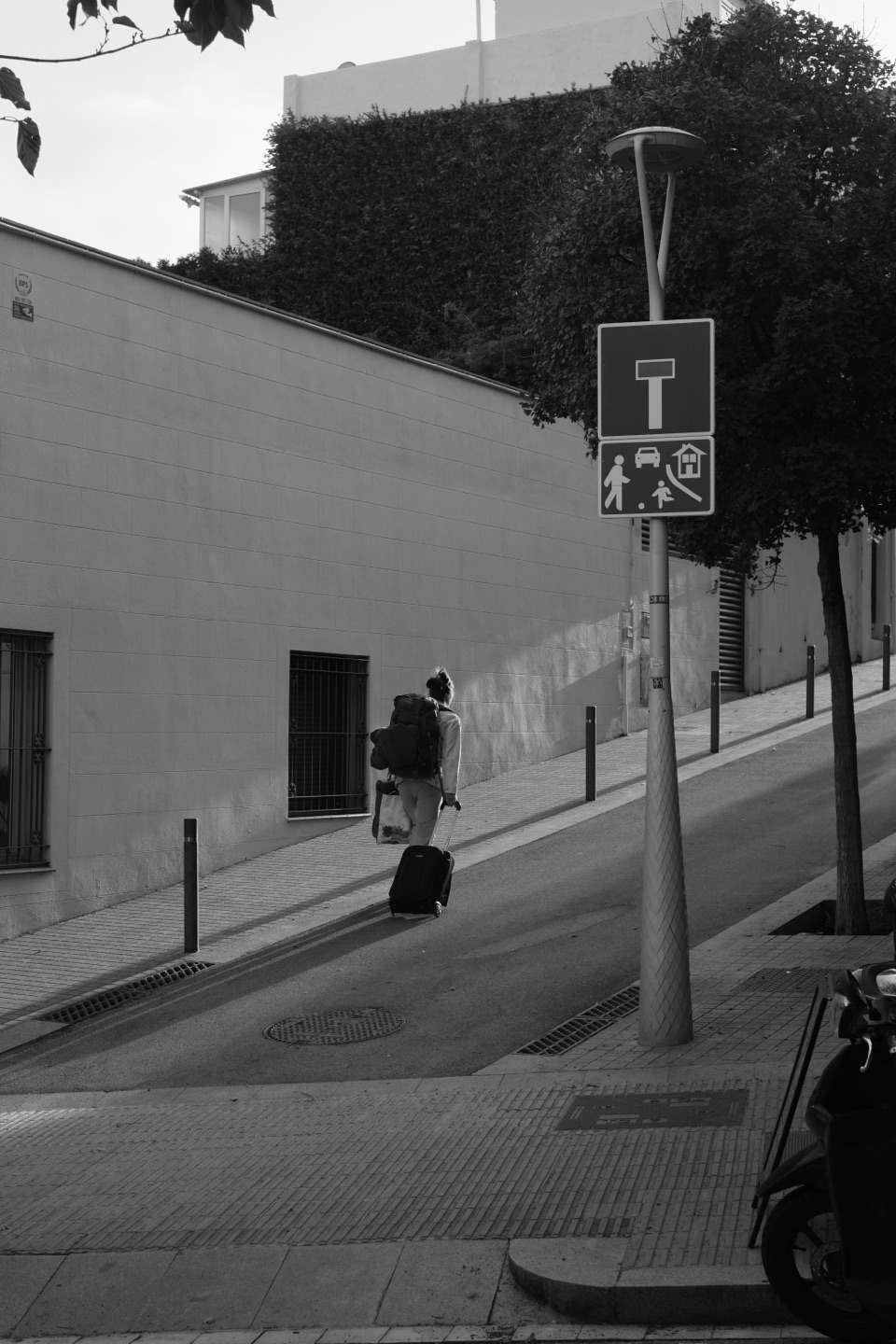 Monochrome
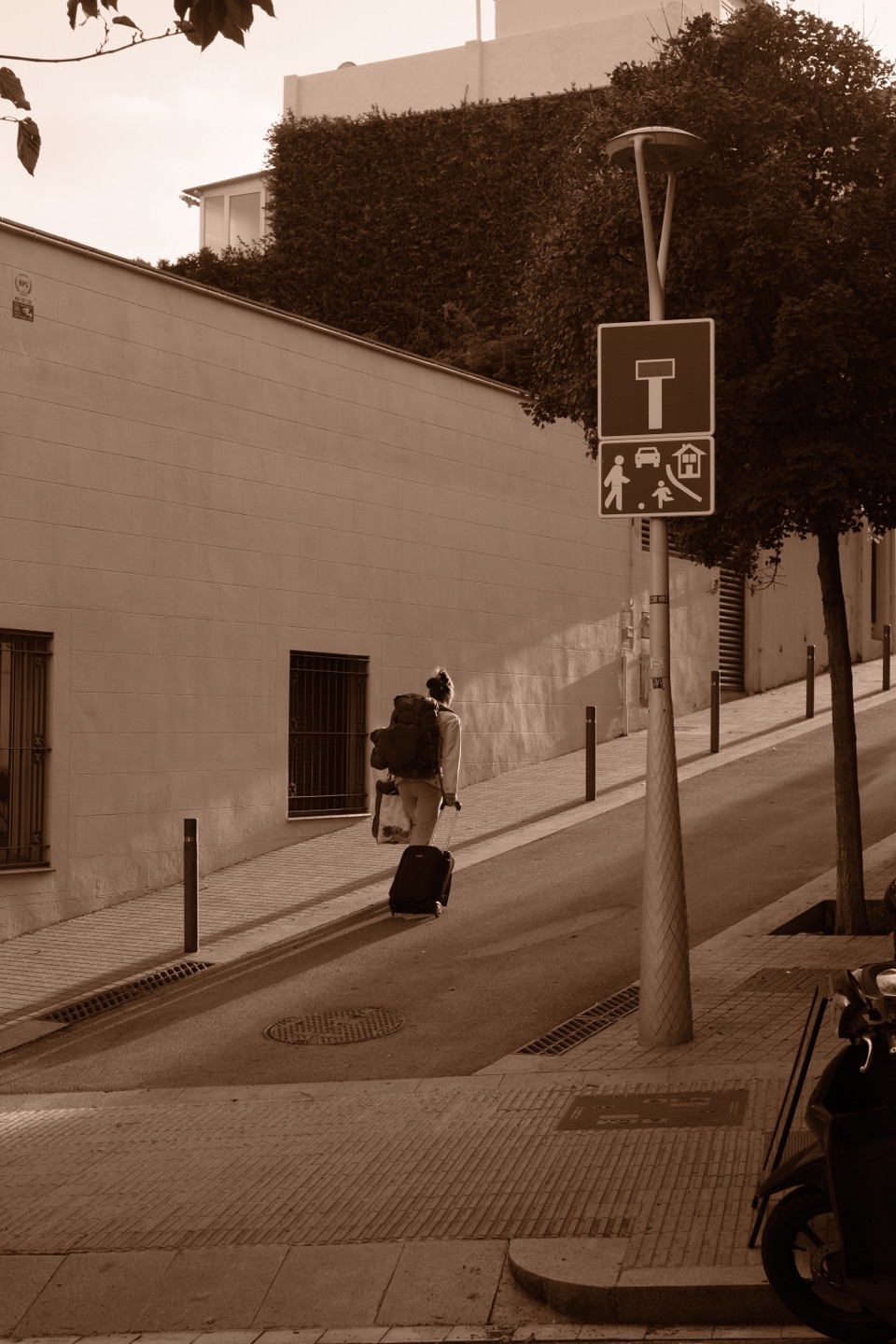 Sepia
Sepia
The photos and the icon may be used in articles and reviews about Yakitsuke. Please credit “Yakitsuke”. A short promo video, in vertical and 16:9 cuts, is available on request.
Writing about Yakitsuke
- Write the name as “Yakitsuke”. The Japanese 焼付け is optional.
- Yakitsuke is not a FUJIFILM product, and is not affiliated with or endorsed by FUJIFILM. Please don’t describe it as official.
- FUJIFILM, the camera model names and the film simulation names are trademarks of FUJIFILM Corporation. Claude is a trademark of Anthropic.