 Yakitsuke
 - AI agents
- Describe a look
Describe a look.
Get a recipe.
No settings, just words. The agent turns them into a target, tries four film simulations on your camera, then refines one or two settings at a time until the preview matches what you described.
YouMake a film simulation recipe for this one: a faded postcard from the seventies. Warm, soft contrast, washed-out color, a bit of grain.
The session
Five rounds on the camera, one recipe.
- 5render_preview calls
- 18previews
- 14 sof camera time
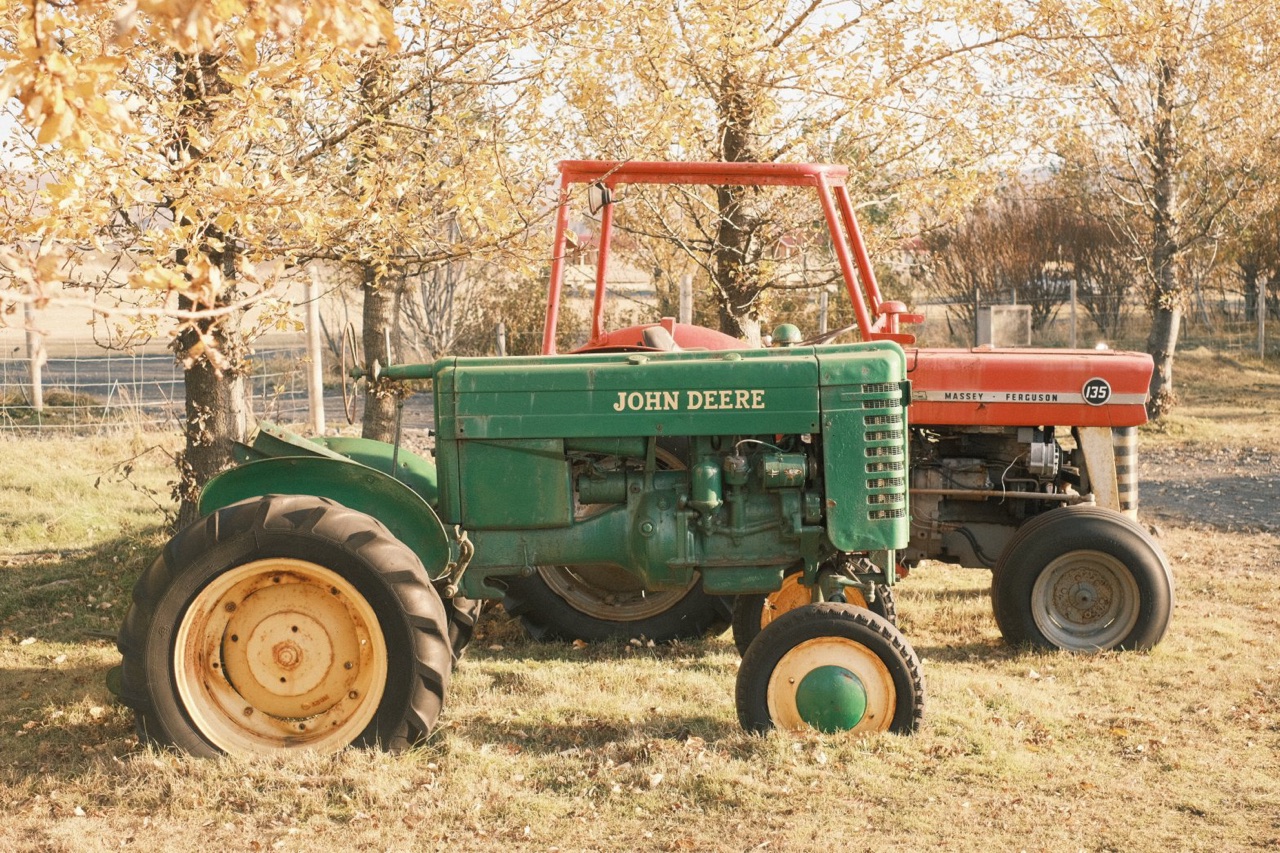
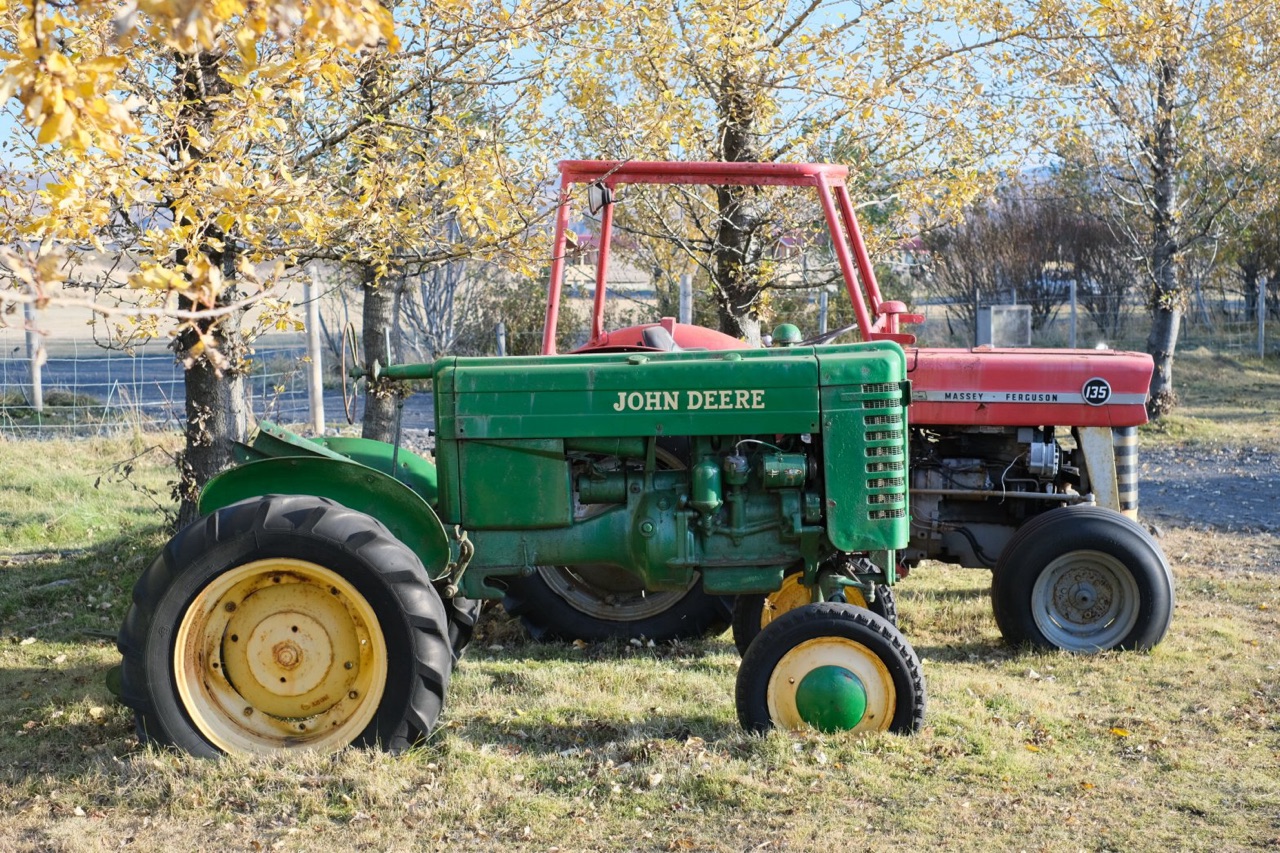
Take DSCF1905, the tractors, and make a film simulation recipe for it: a faded postcard from the seventies. Warm, soft contrast, washed-out color, a bit of grain.
camera_status
ready · X-T4 · firmware 2.12
get_photoDSCF1905.RAF
Shot on PROVIA, DR400, ISO 640. Grain off, Color Chrome off, tone 0.
What I'm aiming for:
- Contrast low: soft highlights, lifted shadows
- Color turned down, not off
- Warm, more amber than red
- Light grain
First, four film simulations, each with a warm white balance.
render_preview4 variants · 3.0 s
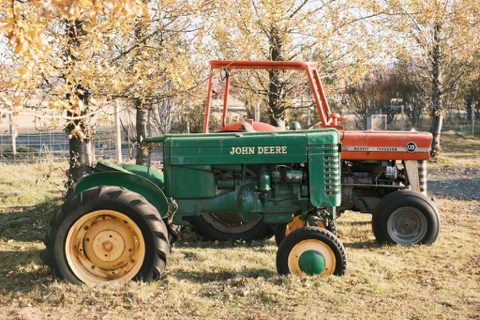 Classic Neg.1.3 s, sends the RAF first
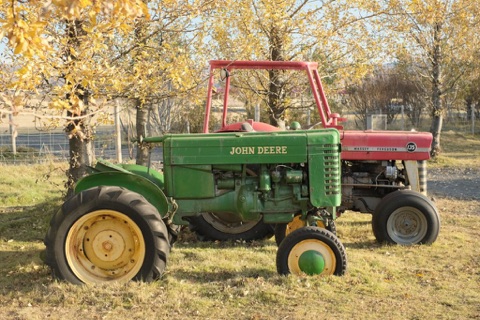 Pro Neg. Std0.5 s
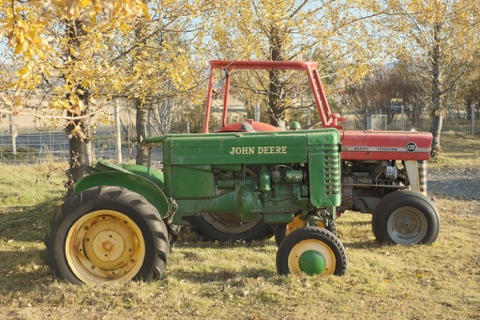 Eterna0.5 s
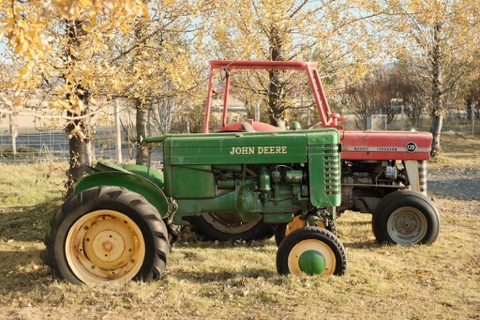 Classic Chrome0.5 s
Classic Neg. is closest: it already has the warm cast and the slightly teal greens of an old print. Pro Neg. Std is too clean, and Eterna and Classic Chrome go flat. The shadows under the tractor are still too deep.
Two rounds: shadows −2, color −3, warmer, highlights −2, +1/3 EV
Last round: exposure, warmth and grain, and clarity, which I left for last because it makes a preview about three times slower.
render_preview4 variants · 3.6 s
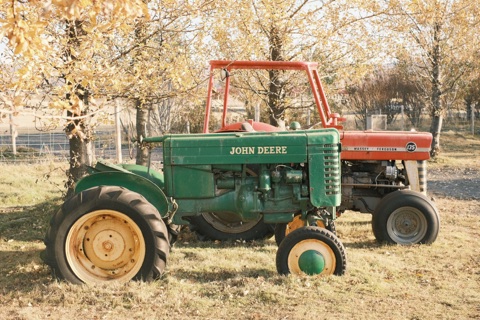 +1/3 EV, strong grain0.5 s
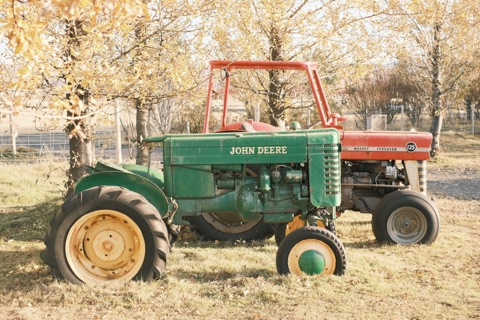 +2/3 EV0.5 s
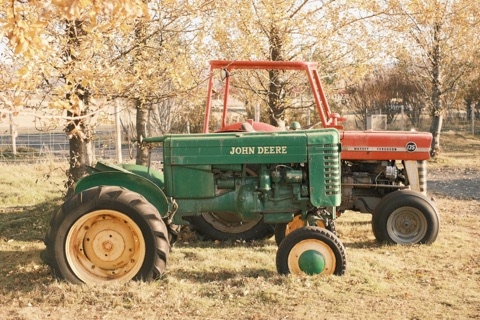 Warmer stillR +5, B −6 · 0.5 s
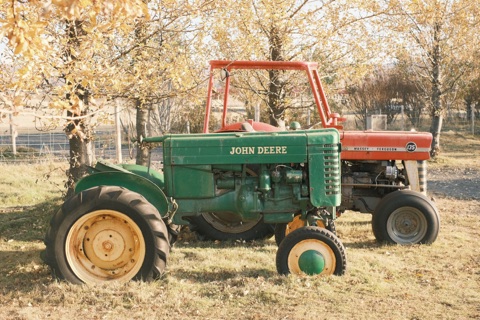 Clarity −21.7 s
The extra warmth and clarity −2 both help: the clarity softens it the way a print is soft. +2/3 EV starts to lose the leaves. I put the two together and rendered it next to the photo as shot.
render_preview2 variants · 2.4 s
Final settings, and PROVIA as shot for comparison
Classic Neg., white balance shifted R +5 B −6, highlights and shadows −2, color −3, strong small grain, clarity −2, +1/3 EV. One thing still differs from a real faded print: old prints drift cyan in the shadows, and the camera has no setting for that. Save it as Faded Postcard?
Yes, save it.
create_recipeFaded Postcard
Saved · tags: warm, faded, 70s
Saved to your recipes. From there you can adjust it, export with it, or write it to one of the camera's custom settings.
The session ran on 14 October 2026 with Yakitsuke 0.3.0-beta.9, Claude and an X-T4 on firmware 2.12. Tool calls, timings and images are what Yakitsuke returned; Claude's replies are shortened, and two of the five rounds are summarized.
The result
Before and after, both from the camera.
- Film simulation
- Classic Neg.
- White balance
- Auto · R +5 B −6
- Highlights
- −2
- Shadows
- −2
- Color
- −3
- Grain
- Strong · small
- Clarity
- −2
- Exposure
- +1/3 EV
Added by AI agent (Claude): “From a description: a faded postcard from the seventies. Tuned on DSCF1905.” Every other setting stays as each photo was shot.
How it works
The same method you'd use, at camera speed.
Read the photo
get_photo returns the settings it was shot with. Anything the recipe doesn't set stays as shot.
Write down the target
One line each for contrast, color, warmth and grain. Every round is judged against those lines.
Coarse, then fine
Four film simulations first, then one or two settings at a time. Clarity last, since it triples the render time.
Ask before saving
It shows its best candidate, says what still differs, and calls create_recipe only when you agree.