 Yakitsuke
 - AI agents
- Match a reference
Show it a photo.
It matches the look.
A film scan, a friend's picture, a frame you saved: give the agent a reference and the photo you want to change. It reads the reference's contrast, color and grain, then works toward them on your camera.
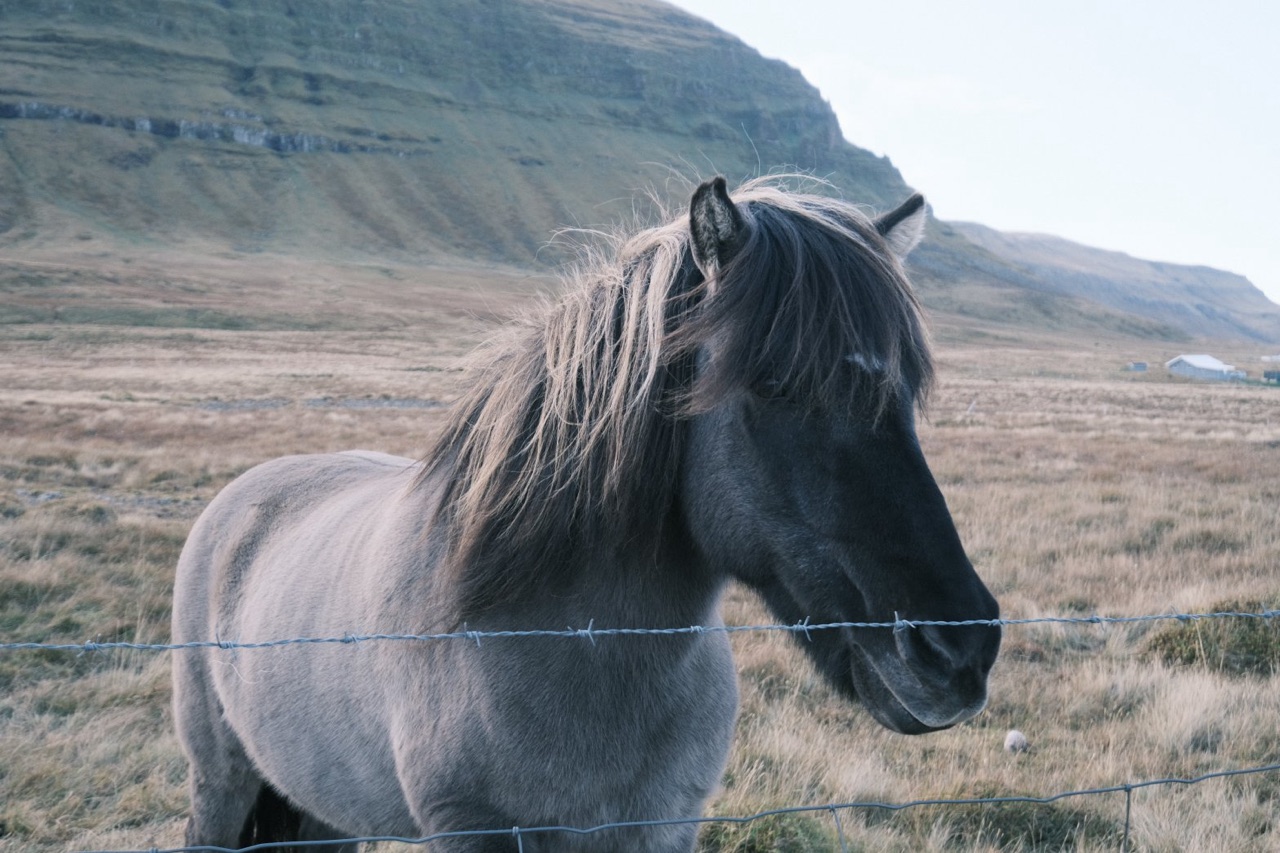
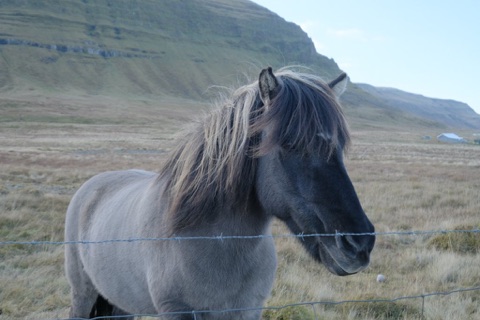
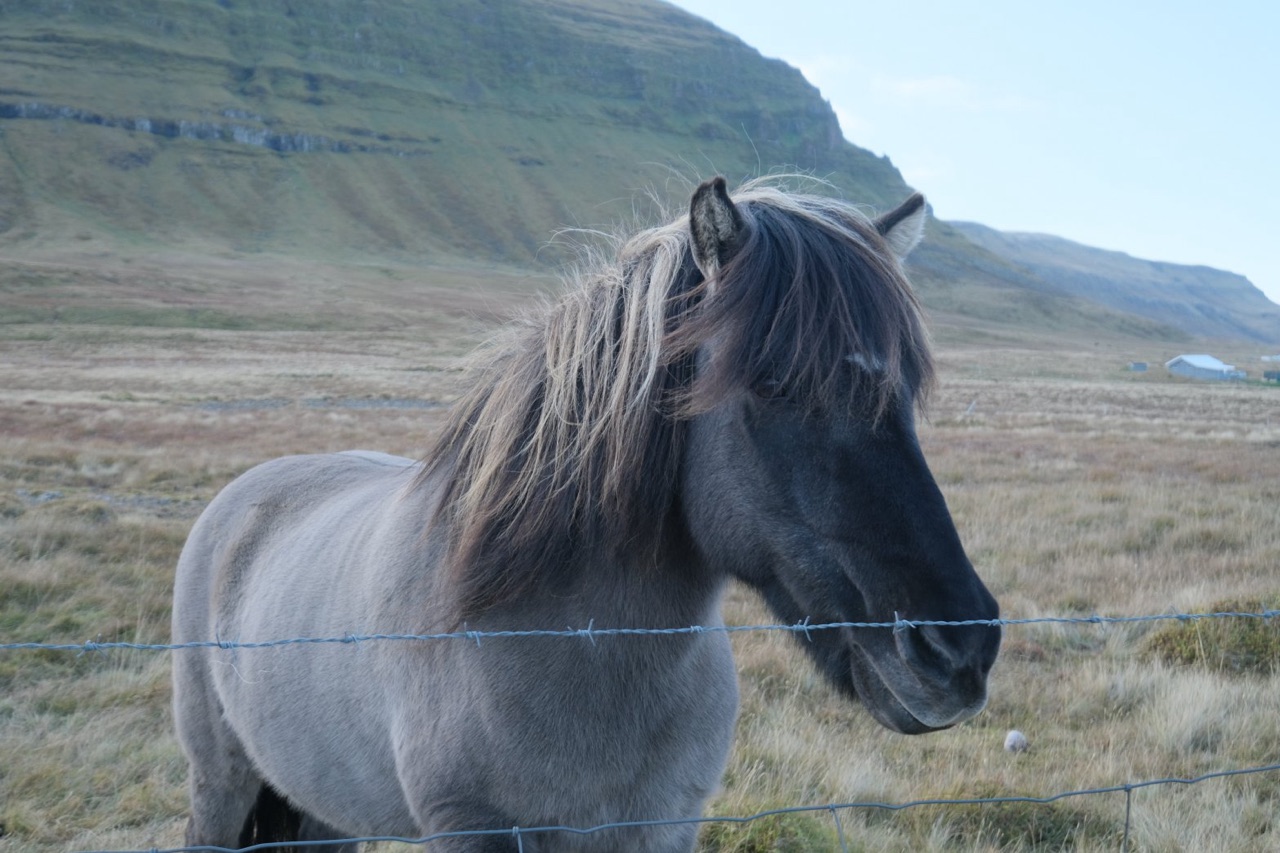
YouMake DSCF1350, the horse, look like this.
The session
Two scenes, one look.
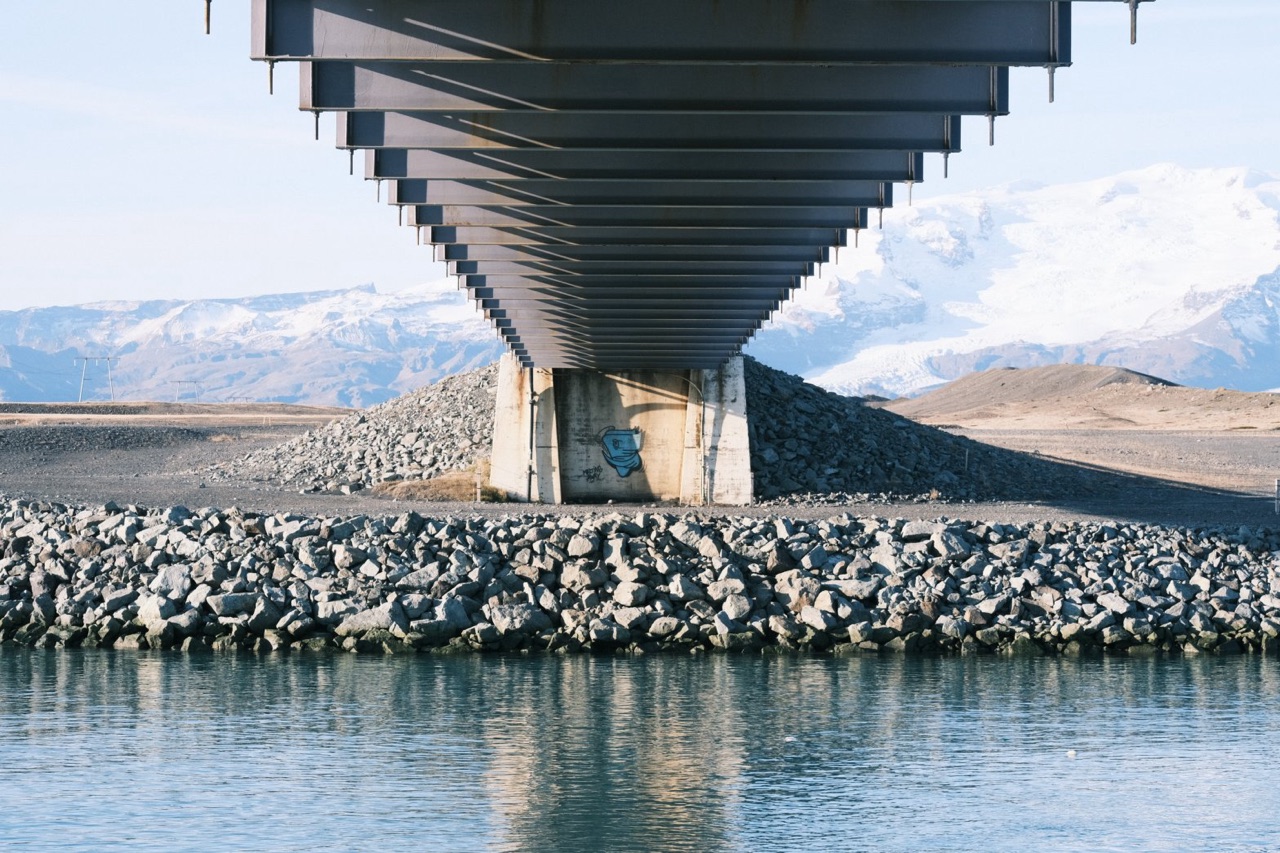
To check the result honestly, we made the reference ourselves: another photo from the same trip, developed on the X-T4 with random settings that a script sealed until the end. The agent only saw the image.
- 5render_preview calls
- 18previews
- 11 sof camera time
Make DSCF1350, the horse, look like this.
get_photoDSCF1350.RAF
Shot on PROVIA, DR400, ISO 640, XF10-24mmF4 R OIS.
What the reference looks like:
- Soft contrast: shadows open, highlights held
- Low, pastel color
- Close to neutral, with cyan in the sky and water and beige in the ground, like color negative film
- No grain I can see at this size
The two scenes are lit very differently, so I'll match the palette and the tone, not the brightness. First, four film simulations at neutral white balance.
render_preview4 variants · 2.9 s
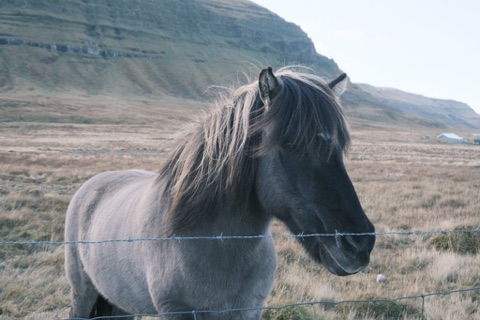 Classic Neg.1.2 s, sends the RAF first
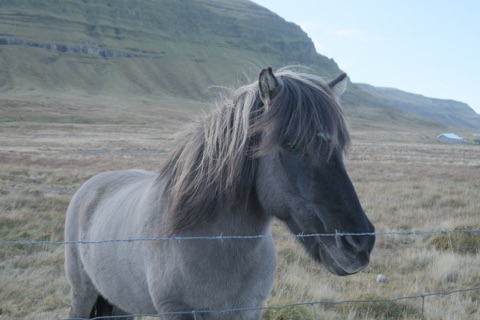 Pro Neg. Std0.5 s
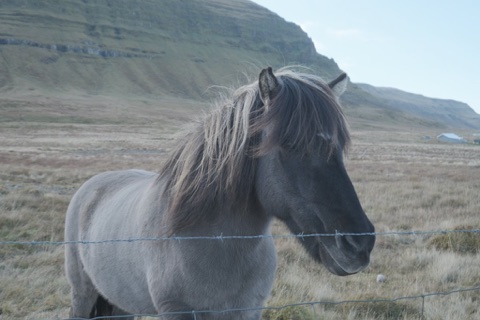 Eterna0.5 s
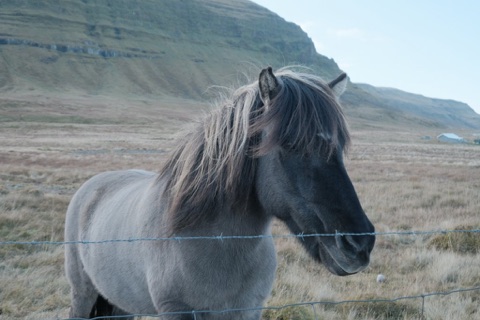 Classic Chrome0.5 s
Pro Neg. Std is closest: soft and pastel. Classic Neg. turns the hill greener and the horse's face harder.
One round on Pro Neg. Std: more color, a cooler and a cyan white balance, softer tone
That isn't getting closer. Looking at the reference again, the rocks and the underside of the bridge have more contrast than I first read: the pale sky is haze, not a soft tone curve. Back to two film simulations, with the shadows at 0.
render_preview4 variants · 2.2 s
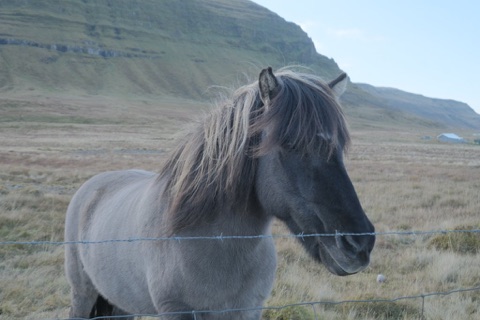 Pro Neg. Stdhighlights −2
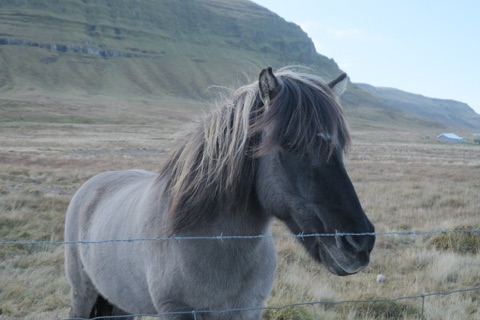 Pro Neg. Stdshadows 0
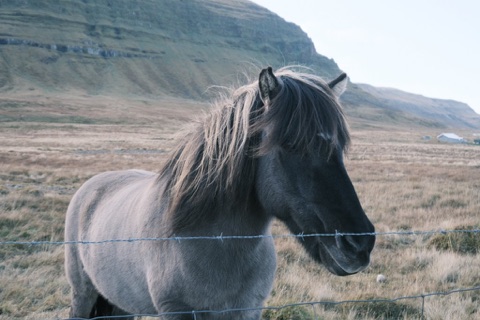 Classic Neg.shadows 0
 Pro Neg. Hi
Classic Neg. fits now: beige grass under a pale cyan sky, the same split as the reference's sand and water.
One fine round: white balance B +1, color +1, highlights 0, weak grain
B +1 brings the sky closer; color +1 makes the grass too strong. My match: Classic Neg., white balance B +1, highlights −1, shadows 0, color 0, weak small grain. Want to keep it?
Save it as Glacier Bridge.
create_recipeGlacier Bridge
Saved · tags: matched, negative film, soft
The session ran on 14 October 2026 with Yakitsuke 0.3.0-beta.9, Claude and an X-T4 on firmware 2.12. Tool calls, timings and images are what Yakitsuke returned; Claude's replies are shortened, and two of the five rounds are summarized.
The reveal
How close did it get?
After the recipe was saved, we opened the sealed settings the reference was developed with.
| Setting | Reference | Agent | |
|---|---|---|---|
| Film simulation | Classic Neg. | Classic Neg. | Exact |
| Shadows | 0 | 0 | Exact |
| Grain | Weak · small | Weak · small | Exact |
| White balance | R −2 B +3 | R 0 B +1 | Same way |
| Highlights | +1 | −1 | Off by 2 |
| Color | +2 | 0 | Off by 2 |
It found the film simulation, the shadows and the grain exactly, and moved the white balance the right way, though not far enough. It read the reference as softer and paler than its settings were, probably because of the haze in that scene. The closer your reference's light is to your photo's, the easier the comparison.
Good to know
Getting a good match
Any image works
The reference is just a picture the AI app can see. It doesn't need to be a RAF or come from a Fujifilm camera.
Similar light helps
A sunny reference for a sunny photo. Very different scenes make the agent separate the look from the light.
The camera has limits
A look made with curves or split toning can only be approached with the camera's own settings.
It's a starting point
The saved recipe is yours to adjust in Yakitsuke, or ask the agent for another round.
More to ask