 Yakitsuke
 - AI agents
- Adjust a recipe
Keep the recipe.
Fix what bothers you.
Say what's wrong in your own words. The agent starts from the recipe's settings, tries one or two changes at a time on your camera, and saves a new version next to the original.
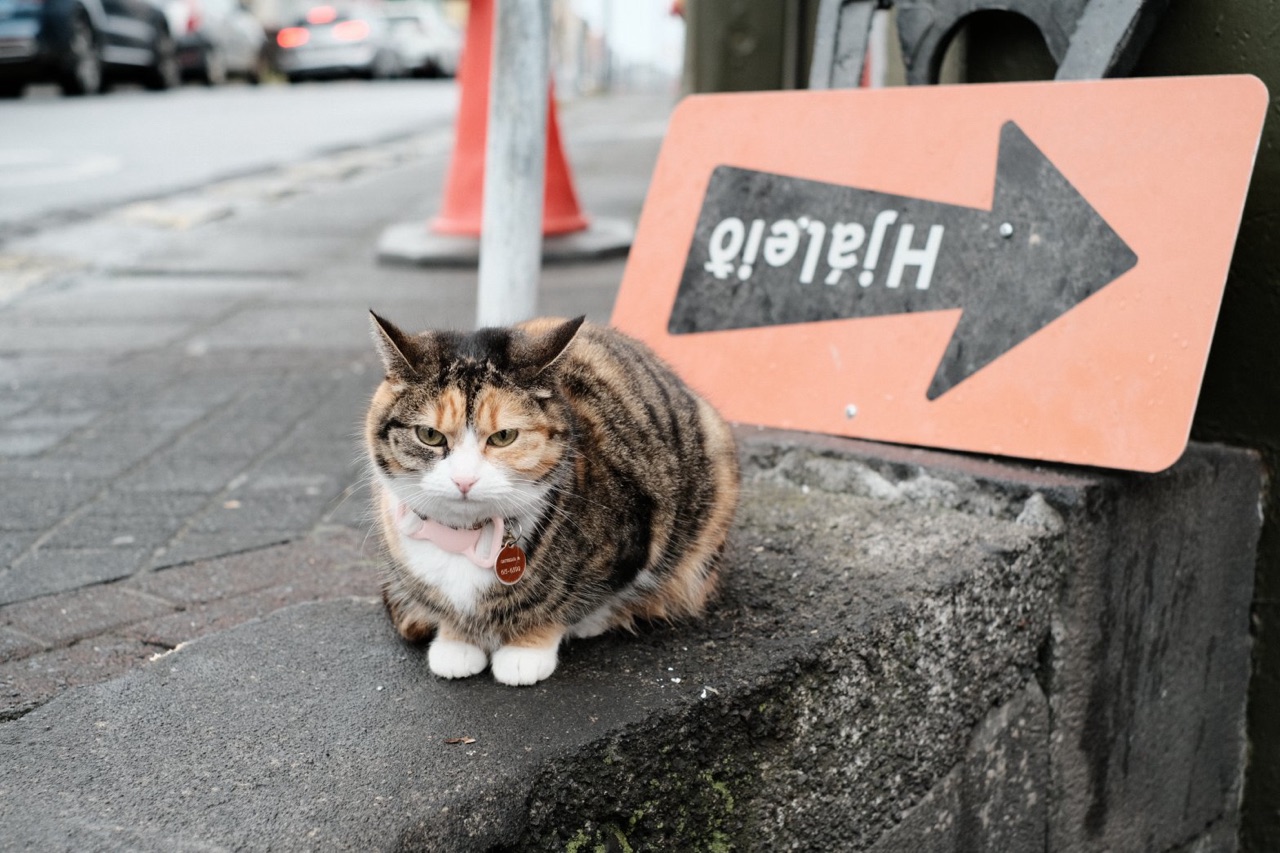
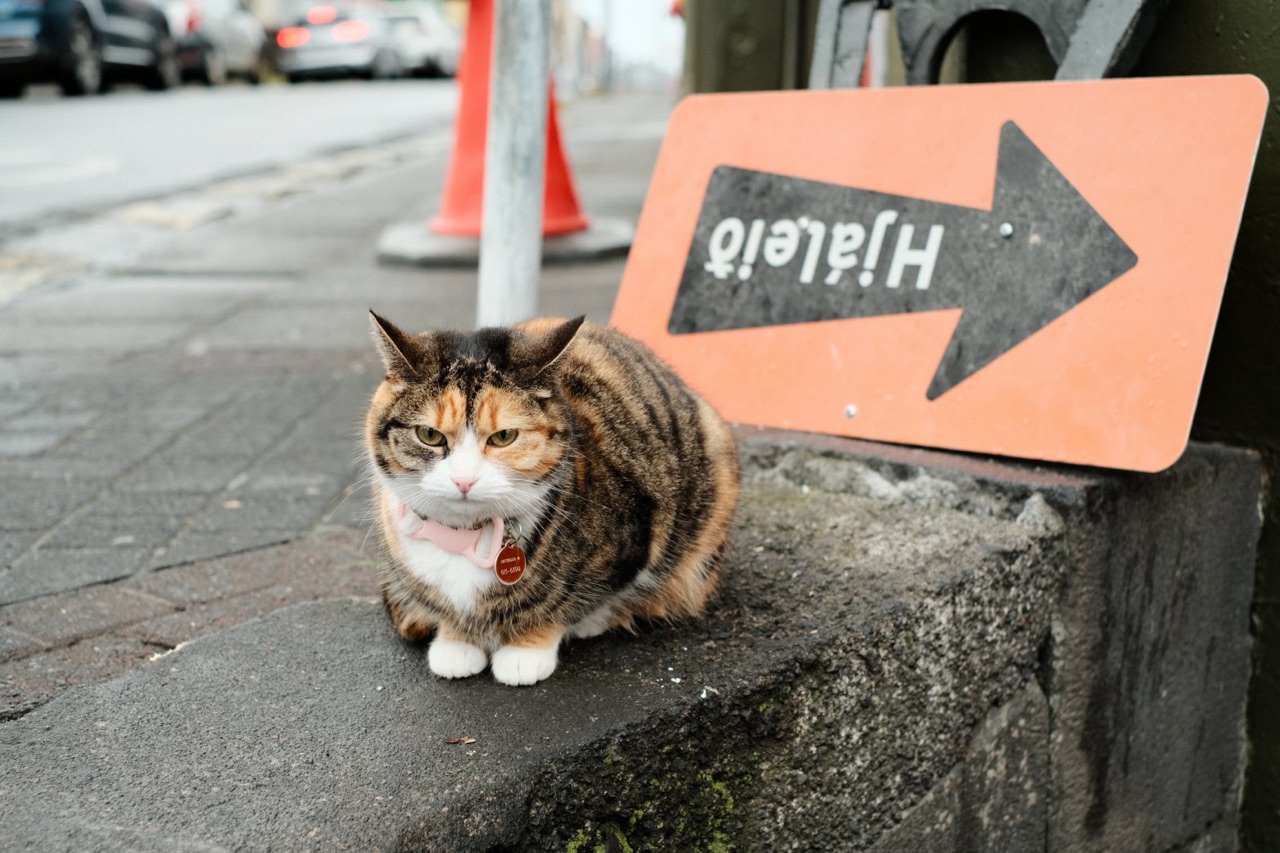
YouStreet Classic Chrome makes this cat look cold and dull. Warm it up, but keep the street gray.
The session
Warmer cat, same gray street.
- 5render_preview calls
- 18previews
- 33 sof camera time
Street Classic Chrome makes DSCF1996, the cat, look cold and dull. Warm it up, but keep the street gray.
list_recipes
Street Classic Chrome: CLASSIC_CHROME, Color Chrome strong, FX Blue weak, WB auto R +1 B −2, shadows +1, color −1, clarity +1, grain weak …
Shifting the white balance toward red would warm the gray pavement too. Color makes colors richer and leaves grays alone, so I'll try both and compare. This recipe has clarity +1, so each preview takes about 1.7 s.
render_preview4 variants · 7.8 s
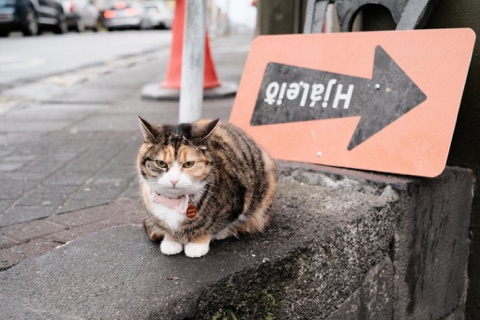 WB R +32.4 s
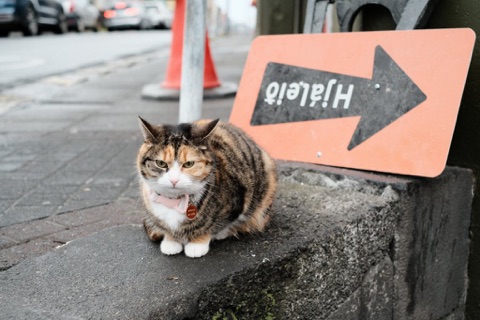 Color +11.7 s
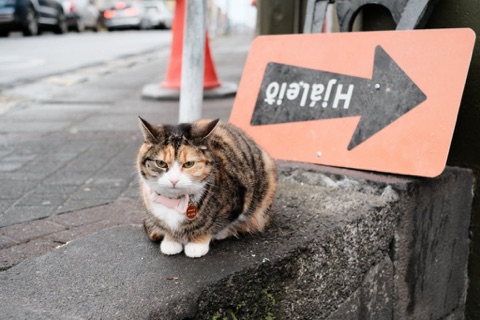 Color +1, R +21.7 s
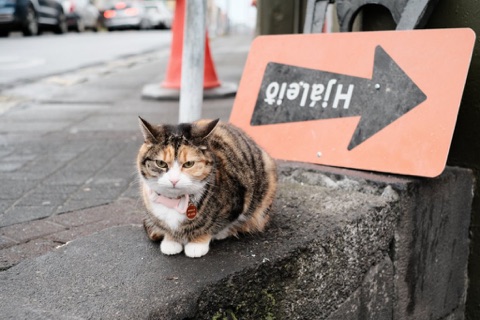 Color 0, R +21.7 s
R +3 turns the pavement mauve and the white fur pink. Color +1 makes the orange patches richer and leaves the pavement as it was.
Two rounds: a golden shift (B −) instead of red, more color, more open shadows
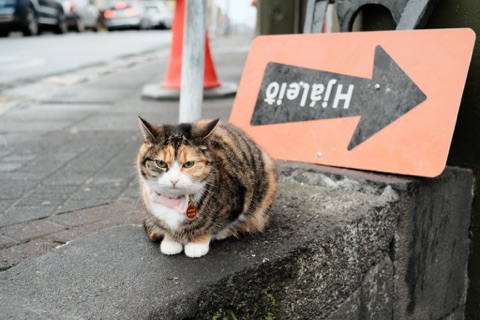
Best so far: color +2 and white balance B −3. The fur is warmer and the pavement is still gray. Warm enough?
Better. Warmer still, golden like late afternoon. The street stays gray.
render_preview4 variants · 7.1 s
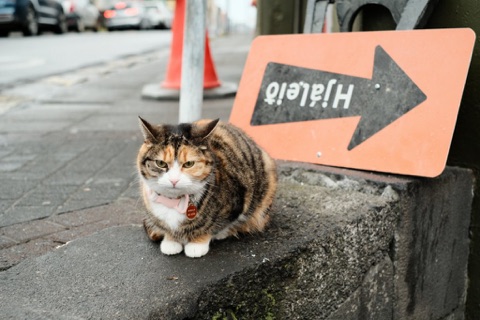 Color +3, B −4
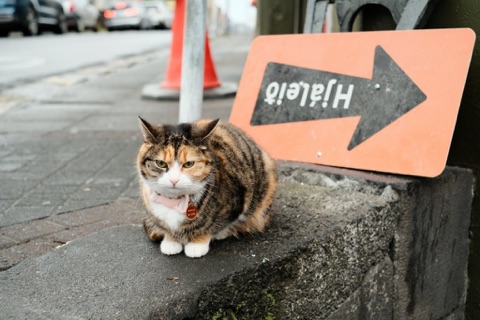 Color +4, B −4
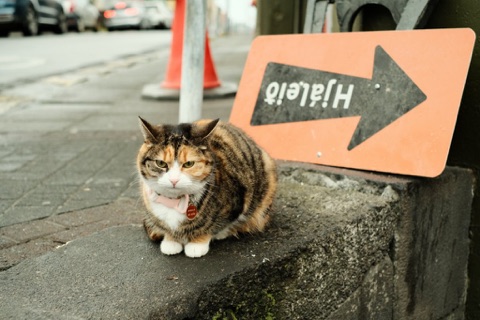 Color +3, B −6
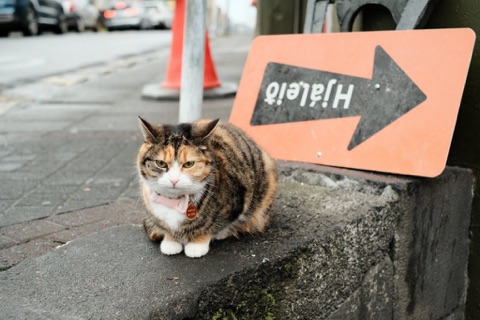 Color +3, B −4Color Chrome weak
B −6 is the most golden, but the pavement turns olive. Color +4 with B −4 puts the warmth into the cat and the sign and leaves the street gray. Color is at its maximum, so going further would mean moving the street. Save this as a new recipe, so Street Classic Chrome stays as it is?
Yes.
create_recipeStreet Classic Chrome, warm
Saved · tags: street, warm
The session ran on 14 October 2026 with Yakitsuke 0.3.0-beta.9, Claude and an X-T4 on firmware 2.12. Tool calls, timings and images are what Yakitsuke returned; Claude's replies are shortened, and two of the five rounds are summarized.
The result
Two settings changed. The original is untouched.
- Film simulation
- Classic Chrome
- Color
- +4 (was −1)
- White balance
- Auto · R +1 B −4 (was B −2)
- Color Chrome
- Strong
- Color Chrome FX Blue
- Weak
- Dynamic range
- DR200
- Highlights / Shadows
- 0 / +1
- Clarity
- +1
- Sharpness / Noise reduction
- 0 / −4
- Grain
- Weak · small
Added by AI agent (Claude) as a new recipe. Street Classic Chrome, one of Yakitsuke's sample looks, stays as it was.
Good to know
Fixing a recipe with words
Say what bothers you
“Too cold”, “skin looks orange”, “the blacks are crushed”. You don't need to know which setting does it.
Say what to keep
“Keep the street gray” told the agent to reach for Color, not white balance. Constraints steer it as much as the goal.
Push back
When a candidate isn't there yet, say so. The agent keeps the last round's best and goes on from there.
Nothing is overwritten
The adjusted recipe is saved as a new one. Your original, and any custom setting on the camera, stays as it was.